Autotrade System
Autotrade System
Summary: The Autotrade system in Comodo Party allows your vending character to stay online and continue selling items while you log in and play on another character using the same account.
How It Works
First, set up the items you want to sell in your vending shop, then type @autotrade or @at.
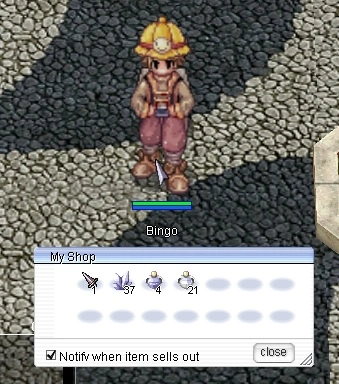
After enabling Autotrade, your character will disconnect and return to the login screen automatically.
Log in to your account again, and you will see your Autotrade character in the character selection screen with an AFK emote.
Logging into an active Autotrade character will disconnect that character from Autotrade mode.
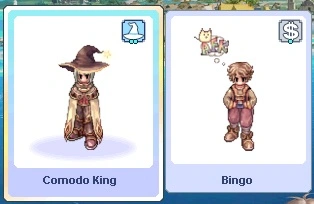
You can now continue playing using your other characters without interrupting your vending shop.
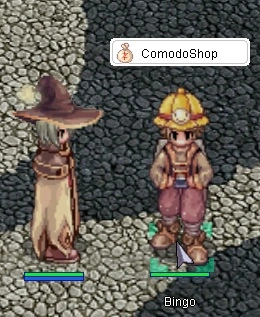
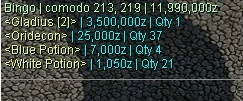
You can check your vending status anytime by clicking on your vending character.
You can also check all of your currently active Autotrade characters from anywhere by using @autotradelist or @atlist.
The current list of items being sold will appear in the chat window.
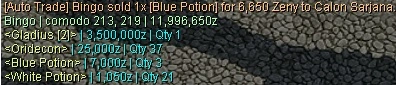
If an item has been sold, the vending list will automatically update and
display which item was purchased the next time you check it.
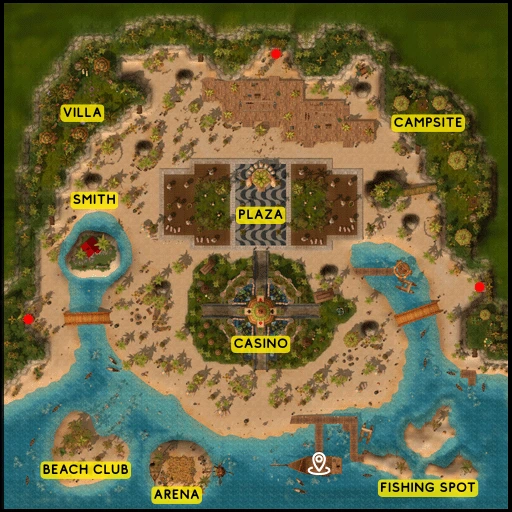
While you can set up your shop anywhere on the map, in Comodo Town you are only allowed to open a vending shop at Aqua Bay Plaza.